Clock Management in Mathness: Budgeting Seconds Per Round
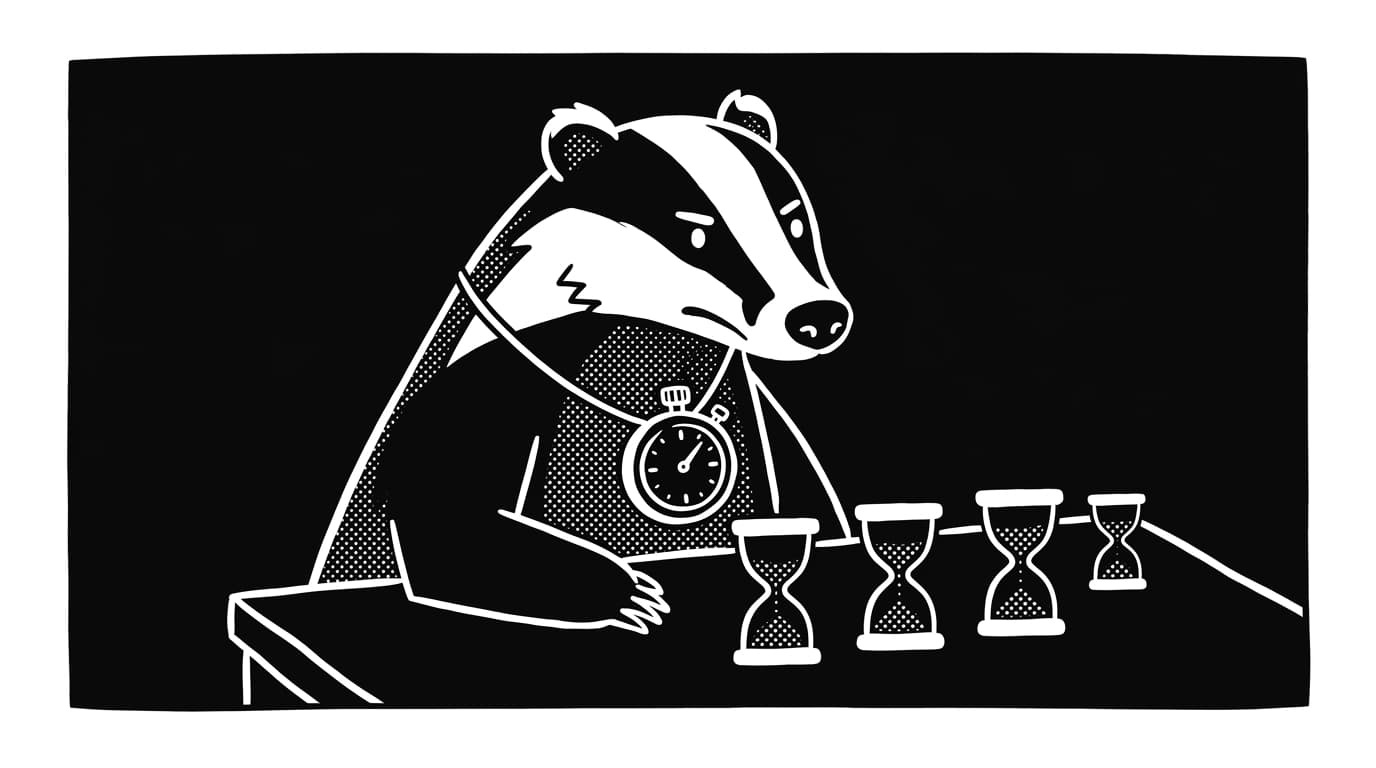
Most Mathness rounds get lost in the middle. Players burn time recomputing, second-guessing, and hunting for a better path when the first reasonable one would have scored. A round budget fixes the leak by giving each block of seconds a single job: scan, plan, compute, commit. Players who internalize the budget finish more rounds and lose fewer points to clock-out misses.
The Four Windows of a Round
A round budget splits the clock into four parts. The scan window reads tiles and target without doing arithmetic. The plan window picks one operation order and commits to it. The compute window runs the chosen path. The commit window submits the answer or skips. Each window has a fixed cap, and crossing it triggers a default action.
Use these caps as a starting point and adjust by mode. In ranked Mathness, a fifteen-second round splits to roughly three, four, six, two. In daily Mathness, where the clock is looser, the same ratios stretch by half. The point is the ratio, not the exact second count. Scan is shortest, plan is short, compute takes the bulk, and commit is reserved for the final push.
The Scan Window: Read, Do Not Calculate
The first two to three seconds of a round are for reading, not arithmetic. Look at the tile set, the target, and any operators on offer. Count how many large tiles sit over fifty. Note if the target is prime, near a round multiple, or far from anything obvious. Do not start multiplying yet. A scan that turns into a compute step locks you onto the first path you see, which is rarely the cleanest one. The pattern recognition habit lives in this window.
The Plan Window: One Path, No Hedging
Plan takes the next three to five seconds. Pick one route to the target and commit to it. The route names the first operation, the second operation, and the rough final move. Hedging between two routes inside the plan window doubles the compute cost and leaves no time to recover from a mistake. If two routes look equal, take the one with fewer multiplications. Multiplication errors compound faster than addition errors in mental math, so the lower-risk path wins ties.
Common plan shapes include factor-first decomposition, anchor-number setup, and subtraction openers. Each shape is covered in its own drill set. Linking each shape to a number family ahead of time makes the plan window faster. When a tile set looks like a near multiple of 25, the plan window picks the multiplication shortcut for 25 without re-deriving it.
The Compute Window: Run the Path
Compute takes the bulk of the round. This is where most arithmetic errors happen, not because the math is hard, but because the player is second-guessing the plan from the previous window. The fix is a hard rule: inside compute, you run the plan. You do not switch routes. You do not pause to verify the first step. You run the path to a number and then check whether it matches the target. Verification belongs in the commit window, not in the middle of compute.
If the compute step produces a number that misses the target by less than ten, do not throw out the path. A small adjustment from a side tile closes the gap faster than a full restart. If the miss is larger than twenty, a clean restart beats salvage. The break-even point is roughly the time needed to apply one more operation. Time it once during practice and memorize the gap size that crosses your personal threshold.
The Commit Window: Submit or Skip
The final two to three seconds are for committing. The answer either sits on the target, on a near miss you can adjust, or far enough that a skip is the right call. The when-to-skip rules live here. A skip preserves the streak in modes that track streaks and saves time for the next round. A wild guess does neither. Commit is also where verification happens: run the final operation in reverse to confirm the result before submitting.
Drills and Common Budget Failures
The round budget only works once your body knows the windows without watching the timer. Practice trains the cadence faster than reading about it. Three drills build the sense at home. Each takes five minutes a day, runs against the same boards you would play anyway, and produces measurable change in two weeks.
- Window beep drill: set a phone timer for two, three, six, two seconds in sequence, then play one round per cycle and force the matching action when each beep fires.
- Scan-only drill: play five rounds where you read the board for the first three seconds with no arithmetic allowed, then track how often the first-seen path was the cheapest.
- Compute-only drill: spend two minutes a day running fixed multiplication and addition chains from a flashcard deck without choosing a path, so compute speed stops eating plan time.
Three failure modes show up in player logs. The first is the no-scan opener, where a player starts multiplying within the first second and locks onto a wrong path. The second is plan creep, where the plan window stretches into compute and leaves no time to finish. The third is verification panic, where a player burns the commit window double-checking compute instead of submitting. Each mode has a single fix: enforce the cap on the prior window with a physical cue, such as tapping a finger when the cap hits. Track your average round time across a week of ranked play and watch the compute window shrink as the underlying drills lock in.